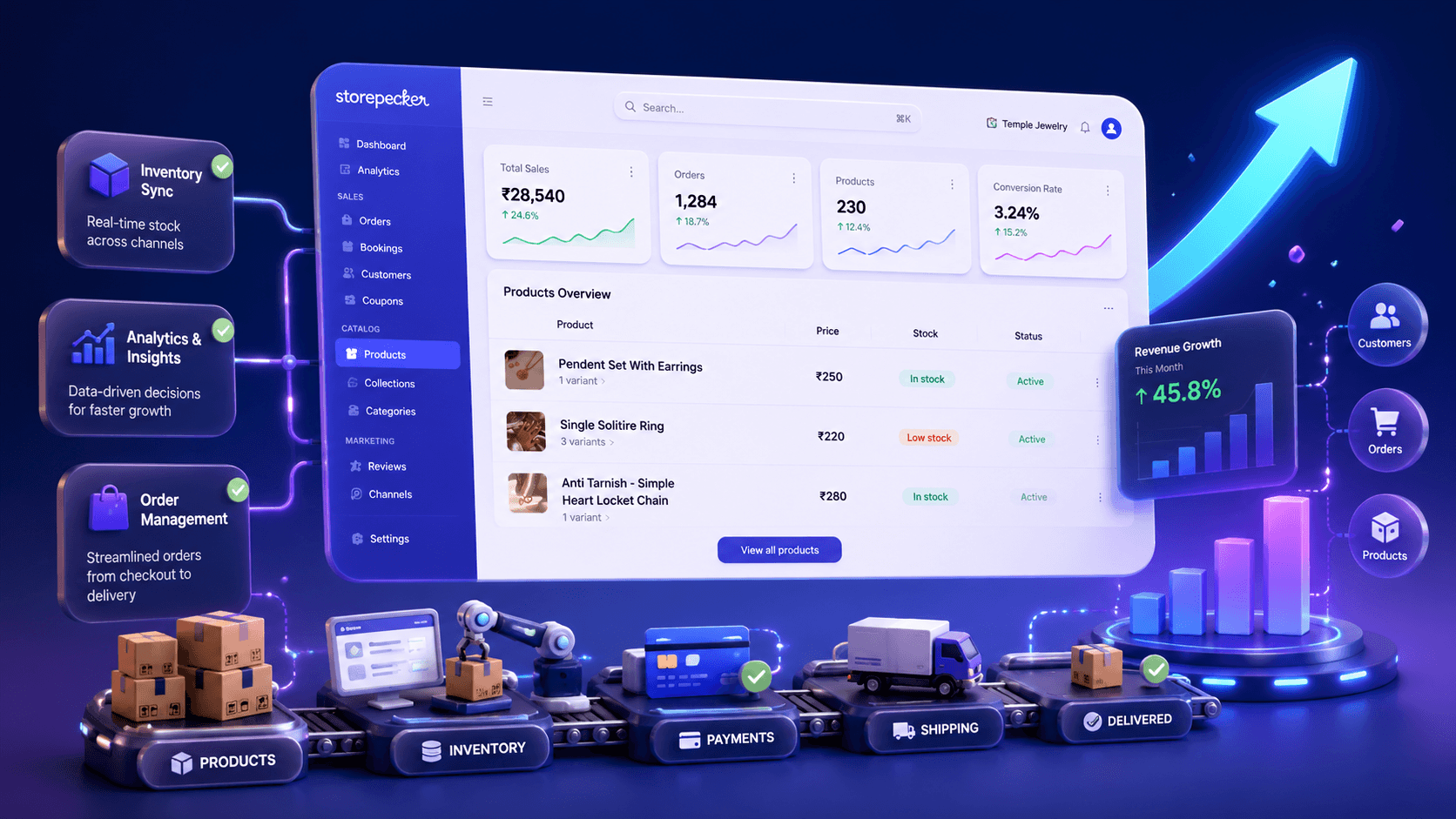
Launching your website feels like a big win. The design is done, the products are live, and everything finally looks the way you imagined.
But then comes the part no one talks about enough:
Why isn’t my website showing up on Google yet?
If people can’t find your site, your online presence doesn’t really exist. The good news is, getting your website noticed on Google doesn’t require complex SEO tricks. It’s about setting the right foundation from day one.
Here’s how to do exactly that, and how Storepecker makes the process easier than you’d expect.
Step 1: Build Your Website Right and Set Your Site Details
Before Google can rank your website, it needs to understand what your store is about. That starts with the basics.
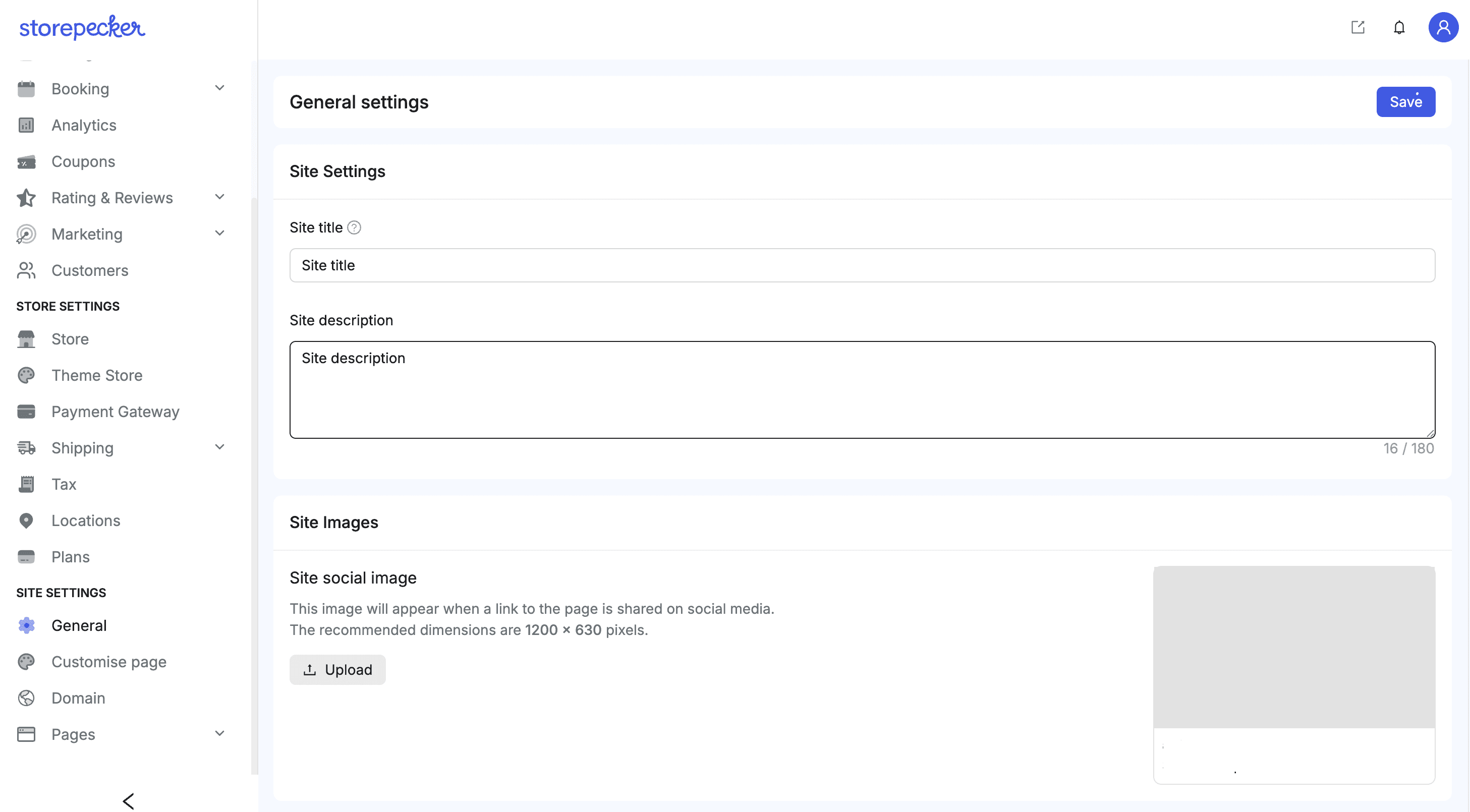
In your Storepecker dashboard, go to Store Settings → Site Details. This is where you define how your website appears in search results and when it’s shared online.
Here’s what to focus on:
Site Title
This is the headline users see on Google. Keep it simple and clear. Mention what you sell or what your brand is known for.
Site Description
This shows up under your link in search results. Think of it as a short introduction that explains what your store offers and why someone should click.
OG Image
When your website link is shared on WhatsApp, Instagram, or other social platforms, this image appears as a preview. A clean, branded image instantly builds trust and curiosity.
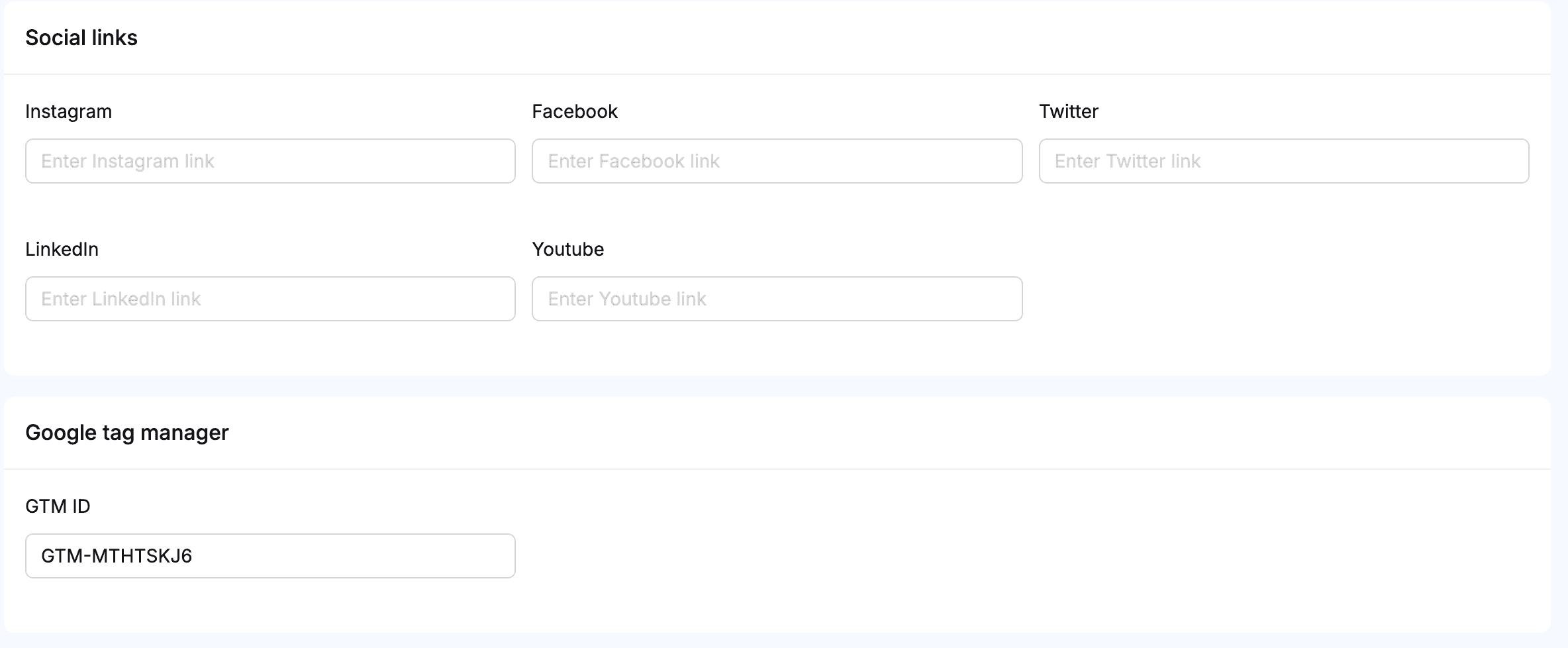
Social Links
Adding your social media profiles helps Google connect your brand across platforms, and it reassures visitors that there are real people behind the store.
These details may seem small, but they play a huge role in helping Google understand your website and encouraging people to click when they see it.
Step 2: Let Google Know Your Website Exists
Once your domain is live, the next important step is connecting it to Google Search Console.
Google Search Console is a free tool that helps you understand how Google sees your website. More importantly, it lets you tell Google, “Hey, my site is ready.”
By connecting your site, you can:
Get your pages indexed faster
See which pages are visible on Google
Track what people search for before they reach your site
Identify and fix SEO issues early
If you skip this step, Google has to discover your website on its own, which can take weeks or even months.
Submitting your sitemap through Search Console helps Google crawl your pages sooner and ensures nothing important is missed.
Step 3: Use Storepecker’s Built-in SEO Advantage
One major advantage of building your site with Storepecker is that it’s designed for search engines from the start.
All Storepecker websites use server-side rendering (SSR). In simple terms, this means Google sees a clean, fully loaded version of your website instantly. There’s no guessing, no waiting, and no missed content.
Because of this:
Category pages are indexed with clear structure
Shop pages are easy for Google to understand
Product titles, images, and descriptions are tagged correctly
Metadata is automatically handled so every page has proper context
This setup not only improves visibility but also increases your chances of appearing in rich search results, like product listings, image search, and enhanced snippets.
You don’t have to manually manage technical SEO it’s already taken care of in the background.
Step 4: Keep Your SEO Healthy After Launch
Getting indexed is only the beginning. To stay visible and improve your rankings over time, consistency matters.
After launching your site:
Submit your sitemap in Google Search Console whenever needed
Keep an eye on indexing and performance reports
Update your content and products regularly
Use Storepecker’s SEO tools to fine-tune pages when necessary
Small updates over time make a big difference in how Google treats your website.
Final Thoughts
Getting your website on Google isn’t about chasing keywords or complicated hacks. It’s about building your store the right way and setting up the basics properly.
With Storepecker, your site is built to be search-friendly from day one. By setting your site details, connecting Google Search Console, and leveraging Storepecker’s SSR SEO, you give your store a strong foundation to grow organically.
If you’re ready to launch a store that Google can find and customers can trust, start building with Storepecker today.